Whether you choose a Certified Pathway or an Upskill Pathway, you’ll follow a structured learning journey designed to help you achieve your goals with confidence.
Your pathway starts here…
Choose your pathway
There are two pathway types to suit your goals and career development.
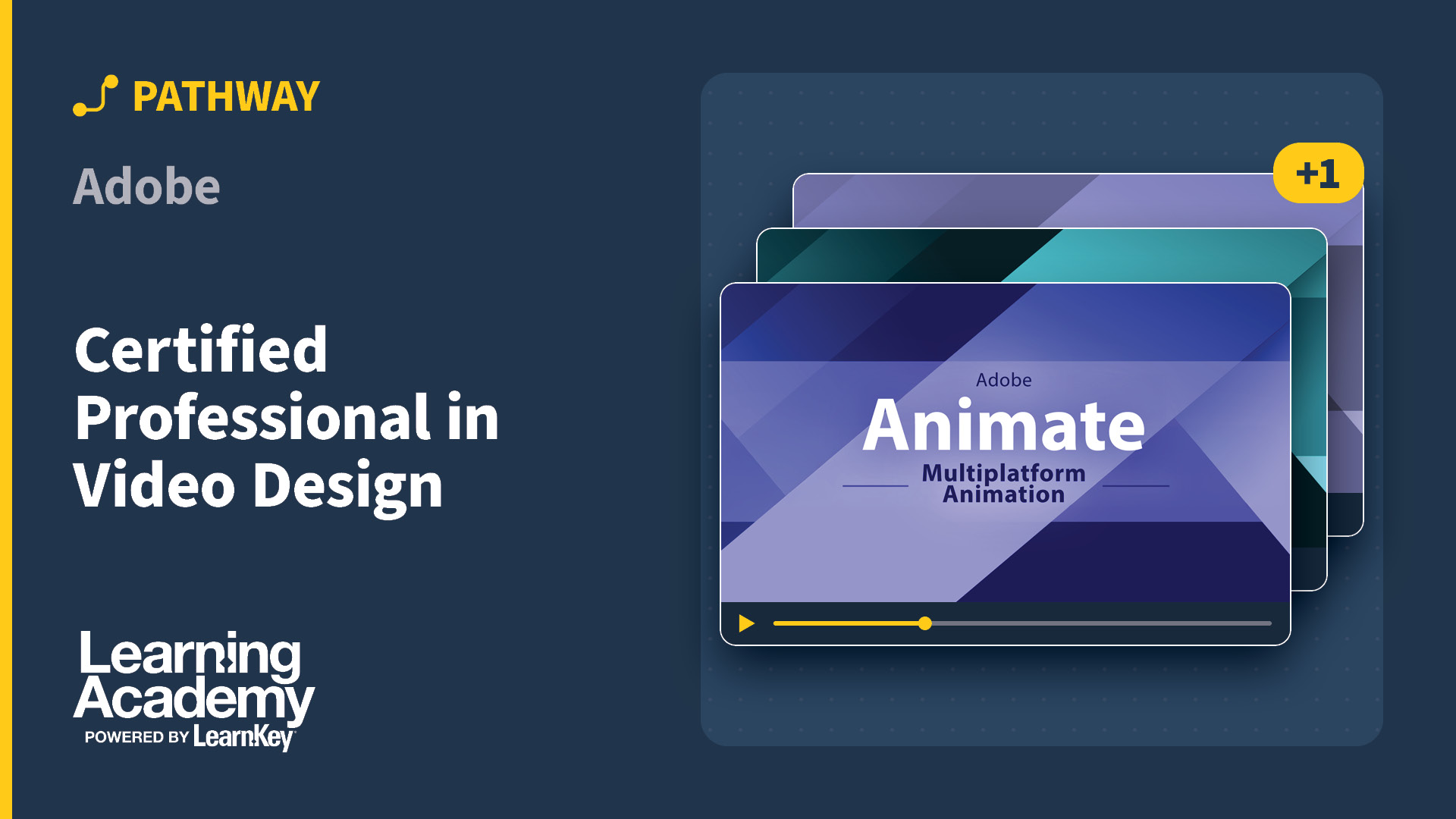
The Adobe Certified Professional in Video Design pathway builds skills in Adobe Premiere Pro, After Effects, and Photoshop for editing, motion graphics, and visual preparation for video projects. In about 4 months, learners complete hands-on labs and projects to build a starter reel for real video production work. Choose the learning path that fits your goals: Upskill learning path for rapid job-ready skills or Certified learning path for Adobe Certified Professional credentials with exam preparation and vouchers.
Most Learning Academy pathways come in two versions, called learning paths: Upskill and Certified. Both cover the same subject and draw on the same course library. The difference is what comes with the training and what you finish with.
Upskill
The Upskill path builds job-ready skills. You get the full set of courses for the subject, hands-on labs, and practical projects—the training itself, without exam materials.
Certified
The Certified path includes the Upskill training and adds what you need to earn the credential: exam preparation materials and a voucher for the certification exam.
Which one should I choose?
Start with the outcome. If you need the certificate itself—because a posting asks for it, a client requires it, or your employer reimburses it—choose Certified. If you need the skills and the credential is optional, Upskill costs less and takes less time, and you can pursue certification later.
Some pathways offer only one path
Not every subject has both versions available. Where only one path appears on a product page, that is the only version offered for that subject.
Compare Upskill and Certified
What's included
Upskill
Certified
Courses and video training
Included
Included
Hands-on labs and projects
Included
Included
Exam preparation materials
Not included
Included
Certification exam voucher
Not included
Included
Finishes with a credential
No
Yes
Not sure which pathway is right for you? Our enrollment team can help you choose
This pathway helps students learn professional video editing, motion graphics, and image work using Adobe Premiere Pro, Adobe After Effects, and Adobe Photoshop. Guided lessons and projects introduce timelines, effects, color, audio, compositing, and image preparation so learners can tell clear stories with video.
Program Benefits
Edit efficiently with Adobe Premiere Pro: timelines, trimming, color, and audio
Build motion graphics and compositing skills with Adobe After Effects
Prepare images and graphics with Adobe Photoshop for use in video projects
Hands-on labs, assessments, and project work to build a starter reel
Student-friendly pacing with a suggested 4-month timeline
Learner services support
Career Opportunities
Graduates pursue roles such as Video Production Specialist, Videographer, or Editor across marketing, social, and education. The Certified learning path adds exam preparation and vouchers for the Adobe Certified Professional credentials.
Frequently Asked Questions
Do I need prior editing experience?
No. The pathway introduces editing, motion graphics, and image work step by step.
How long does the program take?
The instructional plan is designed for about 4 months. Learners in the Certified learning path should plan extra time for exam prep and testing.
What software is covered?
Adobe Premiere Pro, Adobe After Effects, and Adobe Photoshop with labs, assessments, and project activities.
What’s the difference between the learning paths?
The Upskill learning path focuses on building applied video skills through courseware, labs, and projects. The Certified learning path adds exam-prep tools and certification vouchers for the Adobe Certified Professional in Video Design credentials.
Which certifications are included in the Certified learning path?
Voucher coverage typically includes Adobe Certified Professional exams for Premiere Pro, After Effects, and Photoshop. Exact voucher details are confirmed at enrollment.